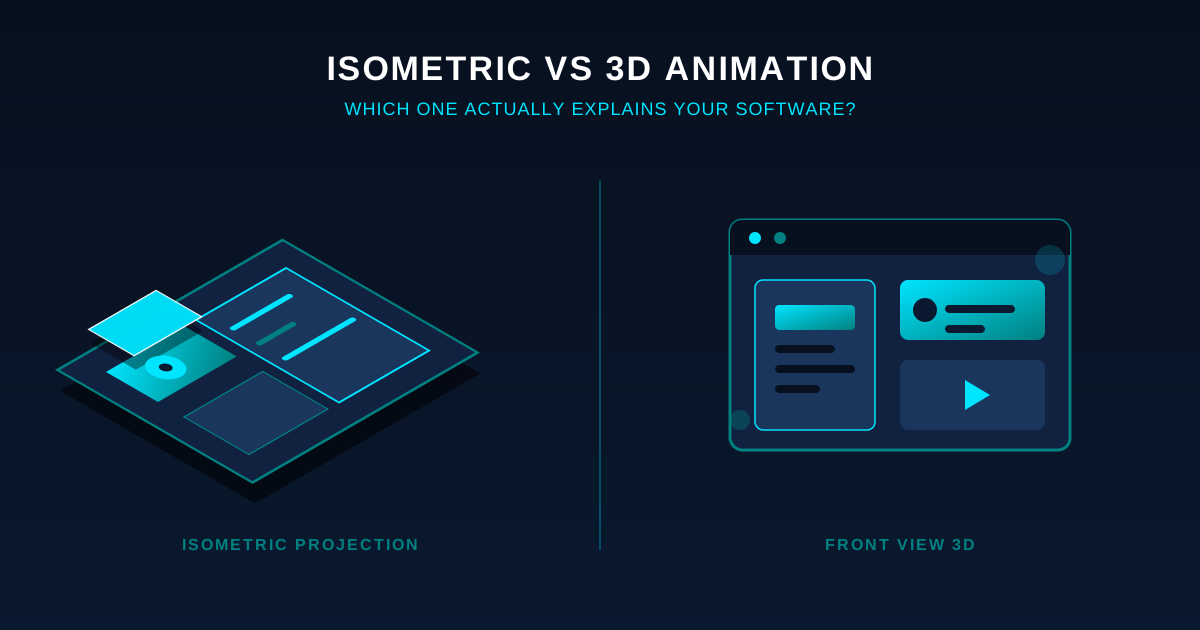
Isometric and 3D animation are related, not opposites: isometric is a form of 3D built with an orthographic camera, so it shows depth without perspective. For most complex software, isometric — also called 2.5D — is the better fit, because it holds an entire system, data flow or architecture on screen at one readable scale with no vanishing point. Full 3D, rendered with a perspective camera and moving shots, costs more and takes longer, and earns that cost only when physical objects, real rotation or photoreal texture matter. Flat 2D suits single-screen features. Match the style to what you need to explain, not to what looks impressive.
Written by Syed Bilal (Bill) Ali, Founder and Creative Director, ExplainerCue Labs — a B2B studio that has delivered 500+ isometric explainer videos across nine technology verticals, including cybersecurity and fintech.
Is isometric animation 2D or 3D?
Isometric animation is usually labelled 2.5D because it sits between the two. It uses isometric projection, a form of axonometric projection where the three axes meet at 120° and lines run at a consistent 30° from horizontal, with no perspective foreshortening. As standard technical-drawing references including Encyclopaedia Britannica describe, this keeps every object the same scale regardless of depth — there is no vanishing point and parallel lines stay parallel.
There are two honest ways to build it, and the SERP for this topic reflects both. One is a 2D approach: flat artwork arranged on a 30° grid and animated as motion graphics in After Effects. The other is a 3D approach: the scene is modelled in a tool like Blender, then rendered through an orthographic camera to lock the isometric look. The 3D-with-orthographic-camera route is what our studio uses, because it gives true depth, real lighting and reusable assets while keeping the flat, readable isometric frame. If you want the ground-level primer, here’s what an isometric explainer video is.
Isometric vs 2D vs 3D: which fits complex software?
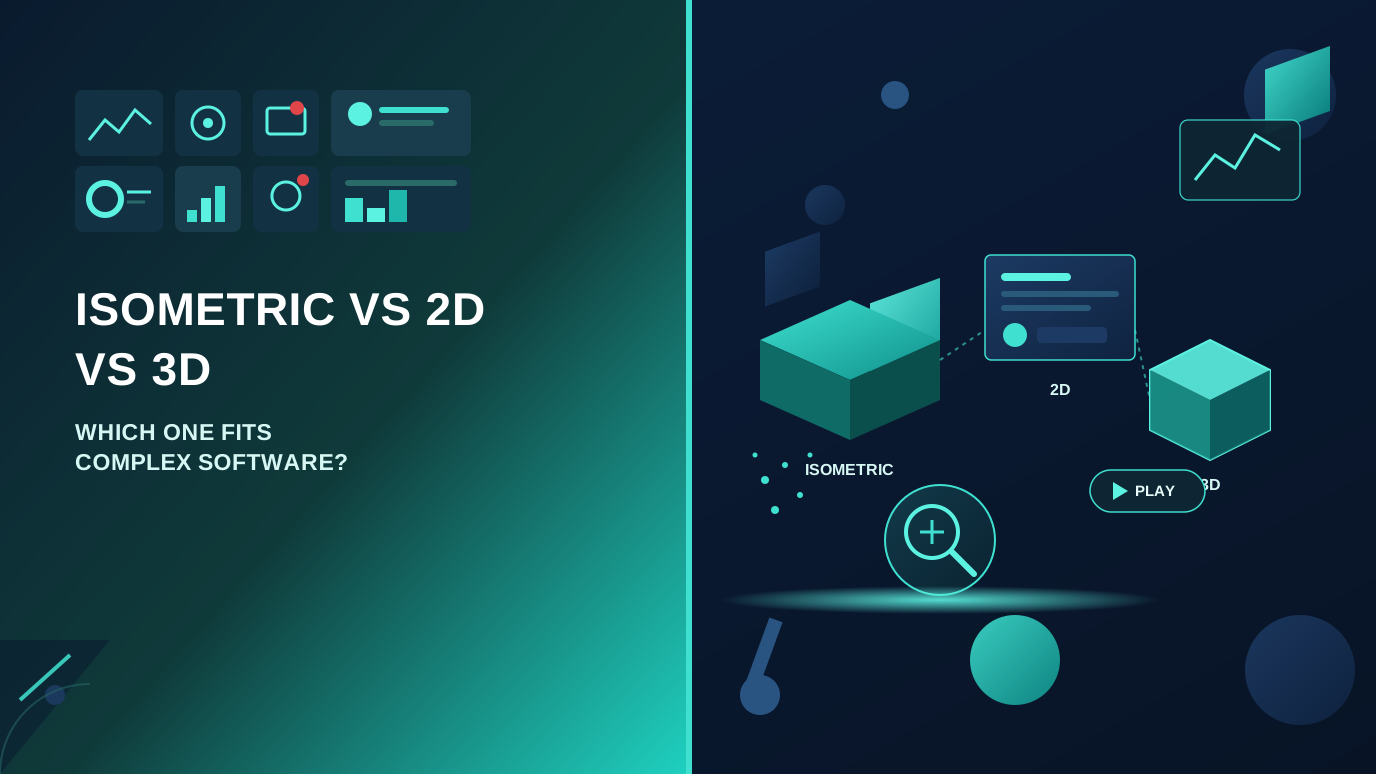
The decision is not about which style looks best. It is about what the footage has to make clear. Software that is mostly UI and workflow rarely needs a perspective camera. Software tied to physical objects — hardware, warehouses, machinery — often does.
| Factor | Flat 2D | Isometric / 2.5D | Full 3D |
|---|---|---|---|
| Camera / projection | Front-on, no depth | Orthographic, fixed 30° angle | Perspective, moving camera |
| Best for | Single screens, simple features | Systems, data flows, architecture | Hardware, physical products, photoreal detail |
| Shows how parts connect | Weak | Strong — whole system in one frame | Strong, but one angle at a time |
| Depth without distortion | No | Yes | Yes, with perspective distortion |
| Relative production effort | Lowest | Moderate | Highest |
| Revision / render cost | Low | Moderate | High — re-renders are slow and costly |
| Main weakness | Flattens spatial relationships | Not photoreal | Slow, expensive, easy to over-build |
The pattern that holds across most B2B explainer video work: 2D for the simplest stories, full 3D only when physical realism is the actual point, and isometric for the large middle where you need to show a system rather than a single screen.
Are isometric and 3D animation the same thing?
No — but they overlap more than most comparisons admit, and the real dividing line is the camera. Full 3D uses a perspective camera: objects further away shrink, the camera can move and orbit, and shots carry photoreal lighting, reflections and texture. Isometric uses an orthographic camera: no perspective, no vanishing point, and usually a fixed frame.
That single choice cascades into everything a buyer cares about. A perspective camera means more shots to light and render, and every revision can trigger a fresh render — the reason the SERP repeatedly calls 3D the most time-consuming and costly style. An orthographic isometric frame keeps the whole system legible and the render load lighter, which is why it dominates software explainers. This distinction matters for comprehension too: Richard Mayer’s Cognitive Theory of Multimedia Learning, summarised in the Cambridge Handbook of Multimedia Learning (2022), finds that people learn more from words paired with matching visuals than from words alone, and that keeping related elements together rather than scattering them lowers the mental effort of following an explanation. A stable, whole-system isometric view does exactly that.
Why isometric reads so well for system and architecture explainers
The advantage is perceptual, not decorative. In a perspective render, a node at the back of a diagram shrinks and can drift out of focus. In isometric projection every element is drawn at the same scale, so a server at the back is as readable as a user at the front. You can hold the entire map on screen and animate flow across it, instead of cutting between disconnected close-ups.
That matters because complex software is usually a relationship problem, not a single-object problem. You are showing how an API talks to a queue, how a parcel moves through a sorting network, how a sign-in attempt is checked. Isometric lets one continuous storyboard frame carry the whole relationship, with the voiceover timed to each beat — which helps, because Mayer’s temporal-contiguity effect shows narration and visuals land best when they play together, not one after the other.
Do you even need animation, or would a screen recording do?
This is the question most competitor articles skip, and it deserves a straight answer. A screencast — a recorded screen walkthrough with zooms and callouts — is the cheapest, fastest way to show software, and for a literal feature walkthrough it is often the right call. Use a screen recording when the goal is to show exactly how the current UI behaves, click by click.
Animation earns its cost when the thing you are explaining is not visible on screen. A screen recording cannot show a session token being stolen, data moving between services, or an architecture that spans systems no single screen displays. That invisible layer is where isometric does work a screencast physically cannot — it draws the parts of your product a camera can never point at.
How to choose the right style in five steps
- Name the thing you’re explaining. A single feature leans 2D or a screencast; a whole platform leans isometric; a physical product leans full 3D.
- Check the funnel stage. A top-of-funnel awareness piece can stay simple and flat. A mid-funnel product demo video that has to show how modules connect is where isometric earns its cost. A late-stage buyer close-up on a physical device may justify 3D.
- Count the moving relationships. More than three components interacting at once is a signal for isometric over 2D.
- Ask if rotation or realism is load-bearing. If a viewer must judge an object’s material or see it from multiple real angles, you need a perspective 3D camera. If not, you’re paying for 3D you won’t use.
- Price the revisions, not just the build. If content will change often, the lighter render load of isometric or 2D usually beats full 3D, where every edit re-renders.
Worked example: making an invisible cybersecurity threat visible
Attic Security’s product, Attic Bouncer, defends against business email compromise — an attack where multi-factor authentication is bypassed because attackers steal a logged-in session token through malware, adversary-in-the-middle phishing pages, or access brokers. The hard part for the buyer to grasp: nothing looks wrong until the stolen token is used, and detecting every theft is costly and often blind.
None of that is visible on a screen, so a screencast was off the table and photoreal 3D would have added render cost for no gain. We built it as an isometric explainer with a “front door” metaphor centred on the one place an attacker cannot avoid — the sign-in logbook. Staging the token handshake spatially turned the exact moment of compromise into something a viewer can point at, and ended on the two-minute deployment. The result was an invisible attack rendered as a short, deployable story that lowers the technical hesitation in a buyer conversation. The same logic applies to other verticals we work in, from logistics clients like DSV to industrial automation like ATS Automation.
Watch the isometric style handle an invisible threat
Video embed: https://www.youtube.com/watch?v=10ZT1sxkM1M
Caption: A 30–45 second isometric explainer for Attic Bouncer that stages session-token theft as a spatial “front door” story. It shows why MFA gets bypassed and how monitoring the sign-in logbook catches the one step every attacker must take.
The video opens by naming business email compromise as a leading financial threat to small and medium organisations. It then shows how multi-factor authentication is circumvented — attackers steal logged-in session tokens through malware, adversary-in-the-middle phishing pages, or access brokers — and makes the core problem concrete: detecting every token theft is costly and often blind, and harm is only done once the token is actually used. The isometric frame then introduces Attic Bouncer, which monitors the sign-in logbook, framed as the single place an attacker cannot avoid, because every attacker still has to sign in. The closing beats position the product as stopping intruders at the front door, note that deployment takes only a couple of minutes, and direct viewers to attictsecurity.com/bouncer. The whole sequence turns an abstract, invisible attack chain into a spatial story a non-technical buyer can follow in under a minute.
What isometric and 3D actually cost
Competitor pages repeat that 3D is “the most expensive” without a single number, which helps no one deciding between styles. Here is a concrete reference from our own studio, where you can also see our isometric video packages. A 60-second isometric explainer runs $1,500, with script, storyboard, voiceover, full animation and three revision rounds included; 30 seconds is $750 and 90 seconds is $2,500. A full-3D piece with a perspective camera sits higher — a 60-second full-3D video runs around $2,000 versus $1,500 for the isometric equivalent — because the extra render and revision load is real, not marketing. Custom or multi-video work is quoted up to $5,000+.
Frequently asked questions
Is isometric animation 2D or 3D?
Isometric animation is usually called 2.5D. It uses isometric projection to give flat-looking, readable frames real depth. It can be produced as 2D artwork on a 30° grid in After Effects, or modelled in 3D in Blender and rendered through an orthographic camera. Either way it shows depth without the perspective distortion of full 3D.
Are isometric and 3D animation the same?
No, though isometric can be built in 3D software. The difference is the camera: isometric uses an orthographic camera with no vanishing point, so every object stays the same scale. Full 3D uses a perspective camera that can move and orbit, with objects shrinking into the distance. That one choice drives most of the cost and revision differences.
Which is better for a software explainer, 2D or 3D?
For most software explainers, neither extreme wins — isometric (2.5D) usually does, because it shows how features and systems connect in one readable frame. Choose flat 2D for a single simple feature or a quick screen walkthrough, and full 3D only when the product is physical hardware or realistic rotation and texture genuinely change what the viewer understands.
What is a 3D explainer video?
A 3D explainer video uses fully modelled objects rendered with a perspective camera, allowing real rotation, moving shots, lighting, reflections and photoreal texture. It suits physical products, hardware and detail-heavy storytelling. Because every shot is modelled, lit and rendered, and each revision re-renders, it is the most time-consuming and costly explainer style, which is why software companies often prefer isometric.
Pick the style before you pick a studio
Start with the decision, not the vendor. Write down the single thing your video has to make clear, count how many components interact in that story, decide whether anything invisible needs to be shown, and check the funnel stage it serves. If the answer is “a system with several connected parts and nothing physical to rotate,” you are looking at isometric — and you can brief any studio far more precisely once you know that.
When you want to see how the style handles software like yours, see isometric examples across cybersecurity, fintech, logistics and industrial automation, then send us the system you need explained and we’ll scope a quote against it.